Tracking QA
Give a release review evidence you can inspect.
Check browser events, network requests and page performance on agreed URLs. Use authorised form tests when the review needs a real submission.
Client workflow
What you can do.
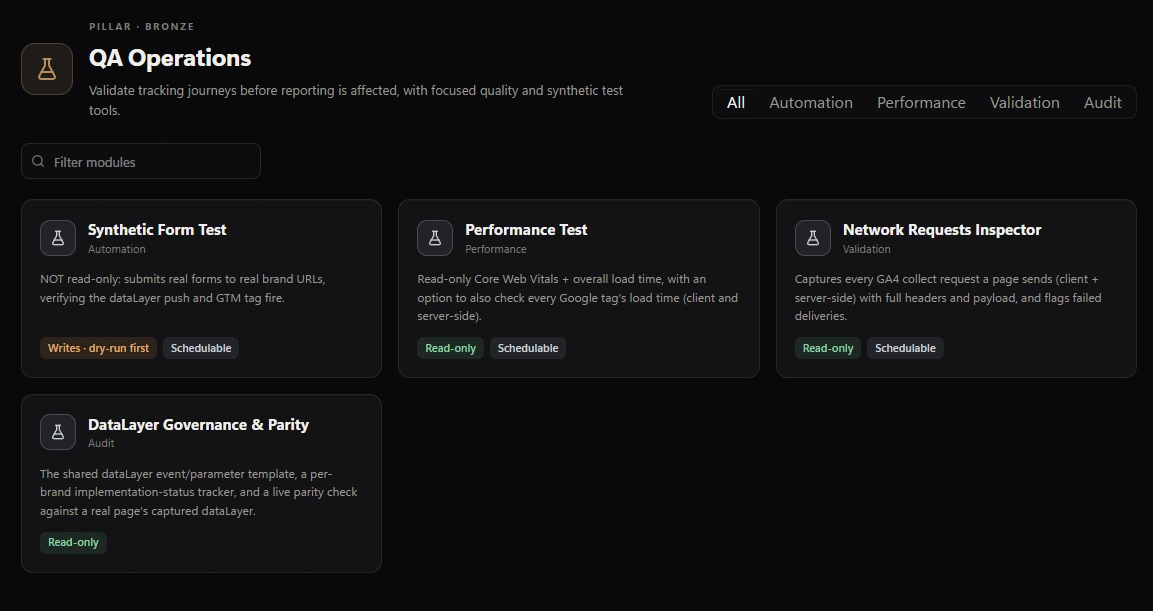
Test a specific form journey
Use agreed test data to fill and submit a configured form. Check the expected dataLayer event and, when configured, the outgoing GA4 request across navigation.
Inspect request delivery
Review captured GA4 requests, responses and payloads. A successful response is delivery evidence, not proof of final attribution or reporting.
Compare against the dataLayer spec
Maintain event and parameter definitions, record implementation status, and compare captured page events with the expected spec.
Measure page performance
Repeat synthetic page loads and optionally inspect Google tag request timings. These are lab observations, not field Core Web Vitals or proof of each tag’s causal impact.
Start free
Start with one client workflow.
Download Free for Windows and review the results on screen.