GA4
Investigate GA4 changes with the client context in view.
Compare event configuration and recent reporting, inspect unusual volume changes, and check the dimensions behind a client report.
Client workflow
What you can do.
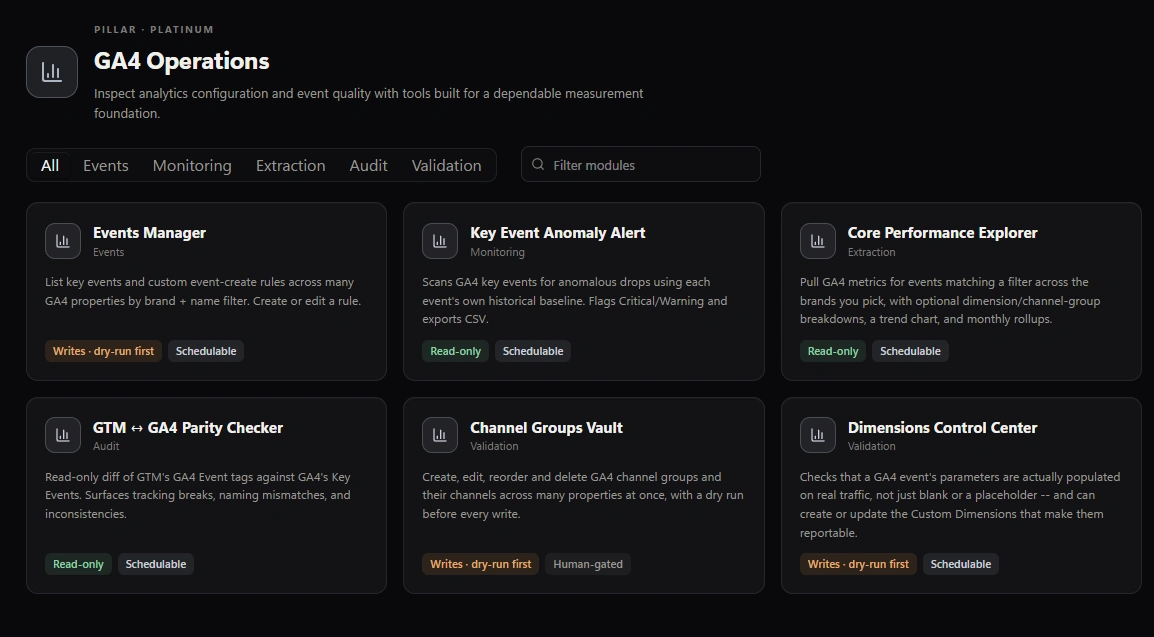
Review key-event anomalies
Compare selected events with their recent history. A flag can reflect tracking, traffic or campaign changes; it is a starting point for investigation.
Compare GTM and GA4
Review configured event names, key-event settings and events recorded in a chosen lookback window. Confirm the property mapping and account for dynamic names and other event sources.
Validate custom dimensions
Check blank and placeholder rates for registered event- and user-scoped dimensions over an explicit date range. Item-scoped validation is not supported.
Prepare recurring reports
Choose relevant events, metrics and dates. Premium adds multi-property runs and exports for client delivery. GA4 configuration changes apply directly after confirmation.
Start free
Start with one client workflow.
Download Free for Windows and review the results on screen.