Tag Manager
Understand a client container before changing it.
Find the tags you inherited, trace their dependencies, and identify the changes worth reviewing. Start with a read-only inventory.
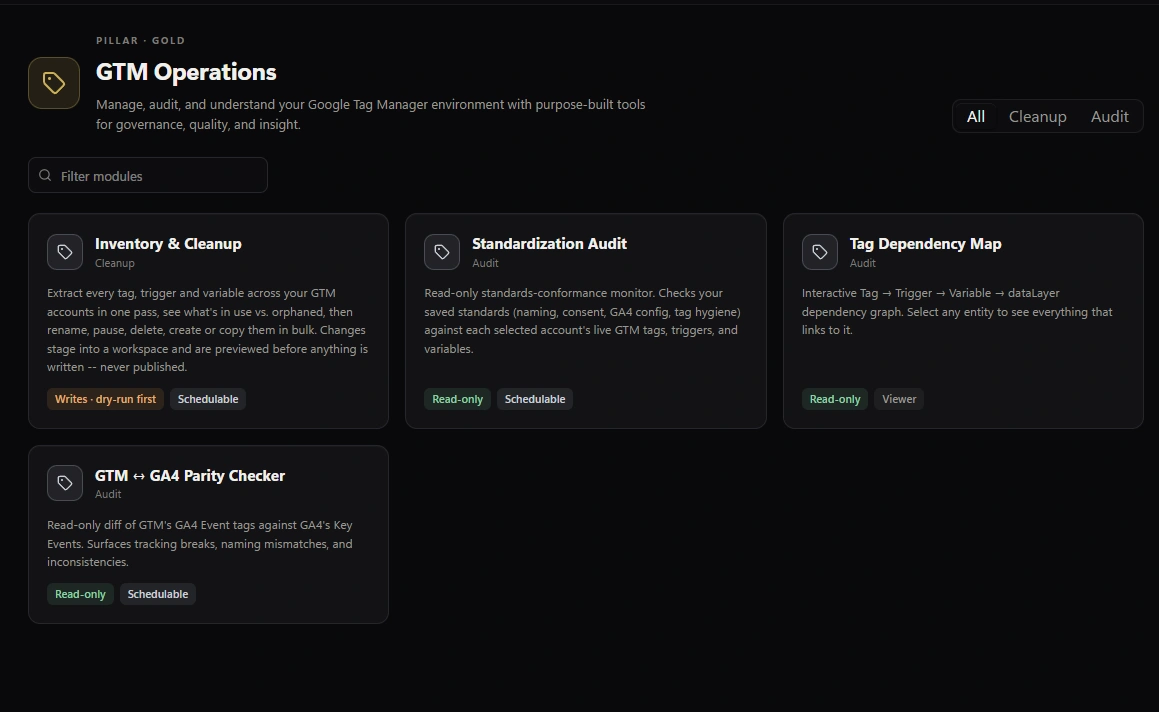
Client workflow
What you can do.
01
Inventory the setup
Search tags and inspect their configuration. Treat the inventory as a starting point for review, not proof that every configured tag fires on the live site.
02
Check naming standards
Compare selected containers with your naming and structure rules. Review exceptions before rolling out a convention.
03
Trace dependencies
Inspect relationships between tags, triggers and variables before proposing a change. Test relevant site journeys as well.
04
Stage reviewed changes
Preview bulk edits, then stage approved changes in the relevant GTM workspaces. You review and publish each workspace yourself.
Free and PremiumFree lets you work on one account, property or saved configuration per run, depending on the tool. Premium adds batches, CSV/Excel exports, report email and multiple Google accounts.
Start free
Start with one client workflow.
Download Free for Windows and review the results on screen.